 Sigillo
Sign your iPhone apps on your own Mac.
Sigillo turns your Mac into a private signing service for iPhone and iPad apps. Upload an IPA from your phone, tap Install. It uses your own Apple developer account, so nothing goes through anyone else's servers.
A signing service that lives on your Mac
Upload from the phone, install with a tap
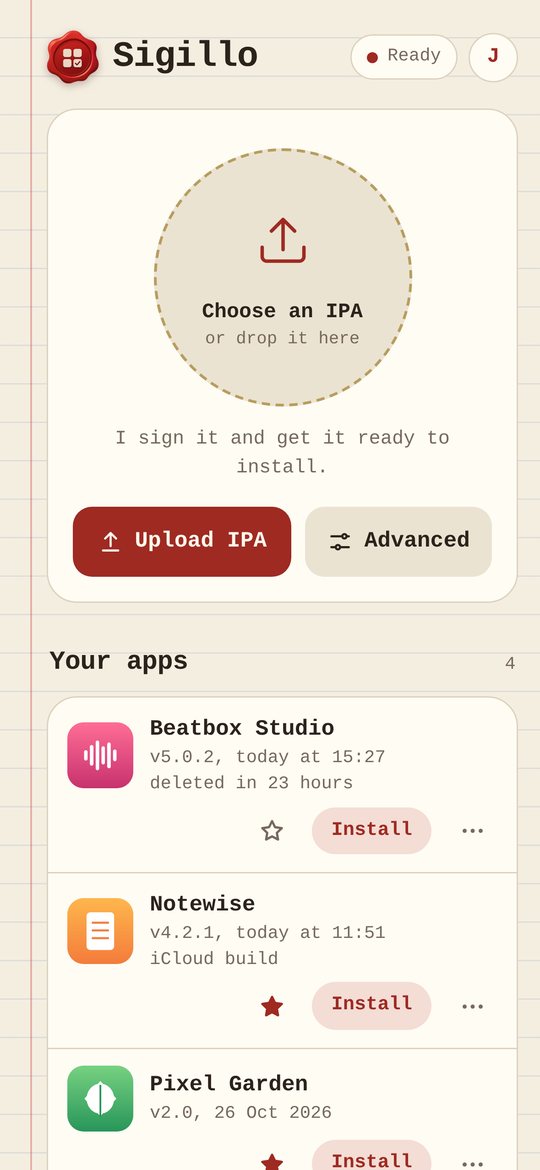
Pick an IPA from Files or Safari. Sigillo signs it and gives you an Install button that works over the internet, not only at home.
Your certificate, set up for you
With an App Store Connect API key, Sigillo creates the certificate, registers your devices and keeps provisioning profiles up to date by itself.
iCloud and push keep working
When an app needs iCloud, push, App Groups or NFC, Sigillo creates a dedicated profile with those services turned on.
Advanced options, explained
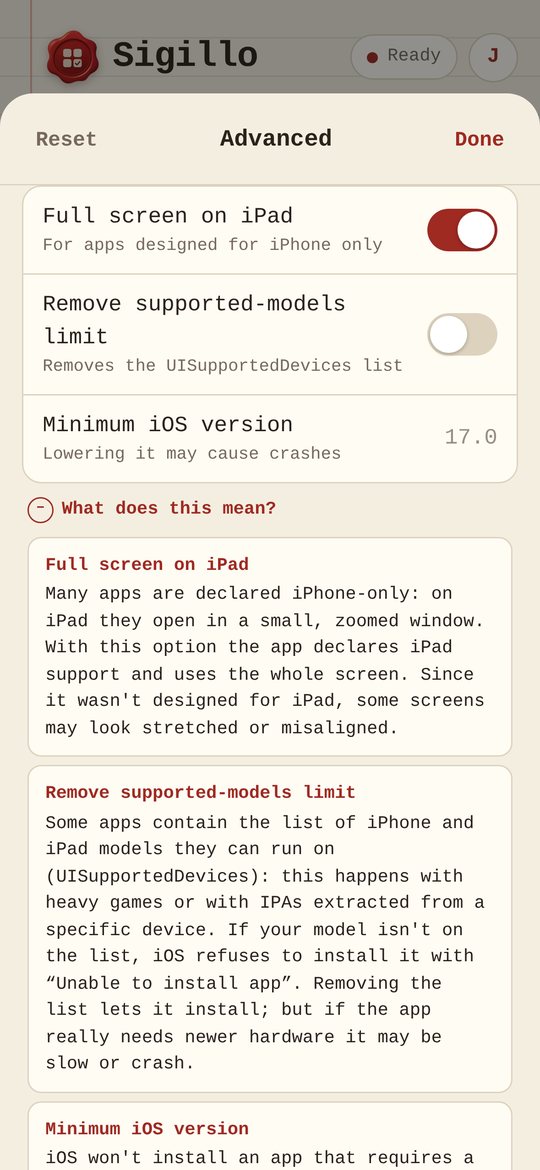
Rename, duplicate, change icon or bundle ID, full screen on iPad, 120 Hz, Files access, tweak injection. Every option has a plain explanation next to it.
Share it with family and friends
Create accounts and choose what each person may use. Everyone sees only their own apps and devices.
A notebook, not a dashboard
Native apps for Mac and iPhone and a web page that works in any browser, all dressed as a paper notebook with a wax seal. English and Italian.
Three steps, then it's just "Install"
Install Sigillo on your Mac
Drag it to Applications. A setup guide walks you through your license, your Apple developer account, the first administrator and how to reach your Mac from outside.
Register your iPhone
Open your Sigillo page on the phone and register the device. Sigillo adds it to your account and installs the Sigillo app for you.
Upload, sign, install
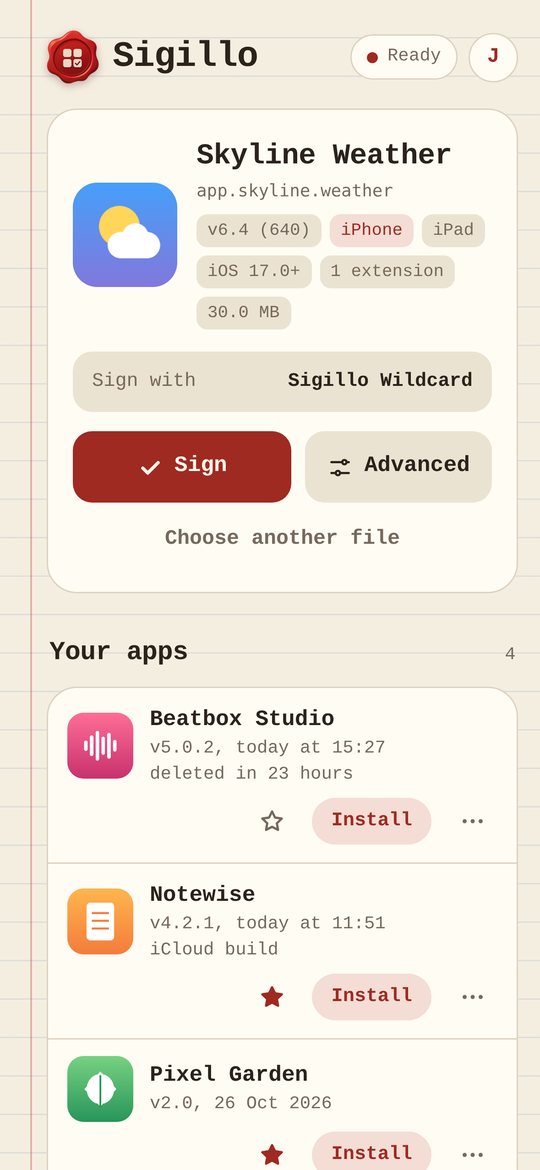
Choose an IPA, adjust the options if you want, tap Sign. A few seconds later you tap Install and the app is on your Home Screen.
What it looks like
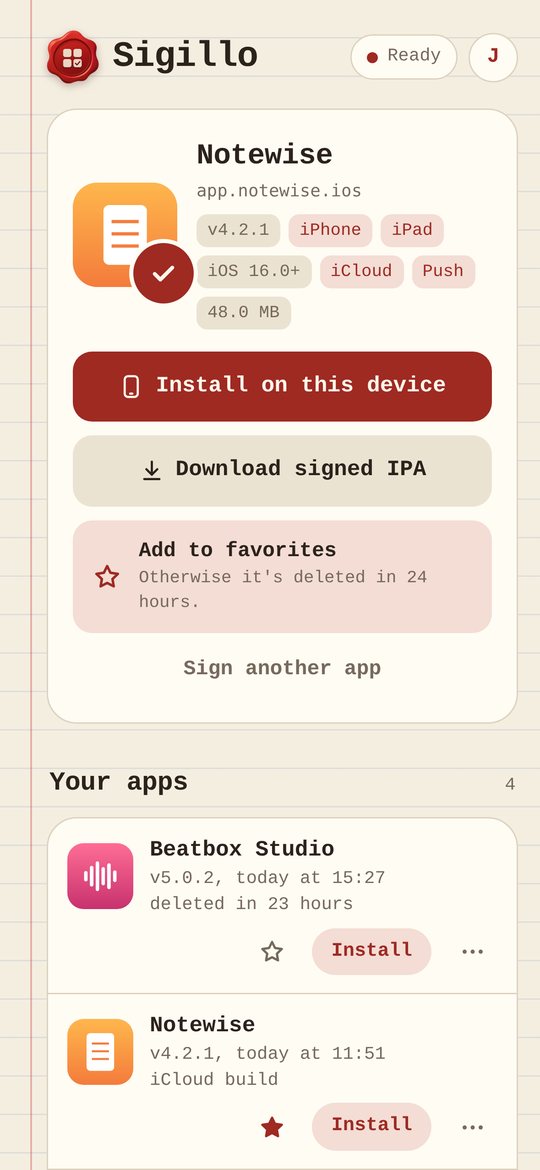
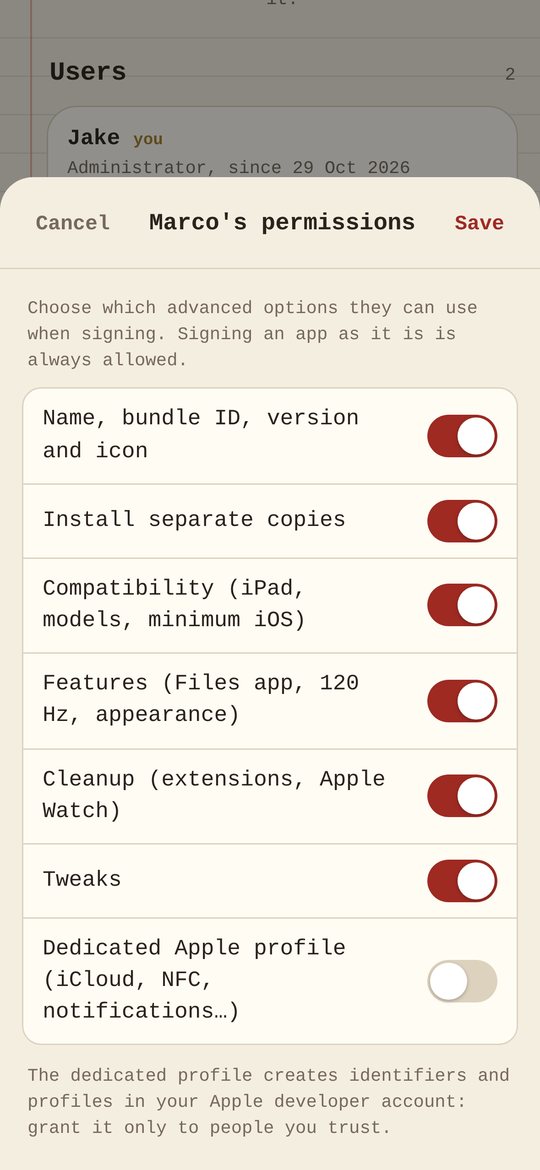
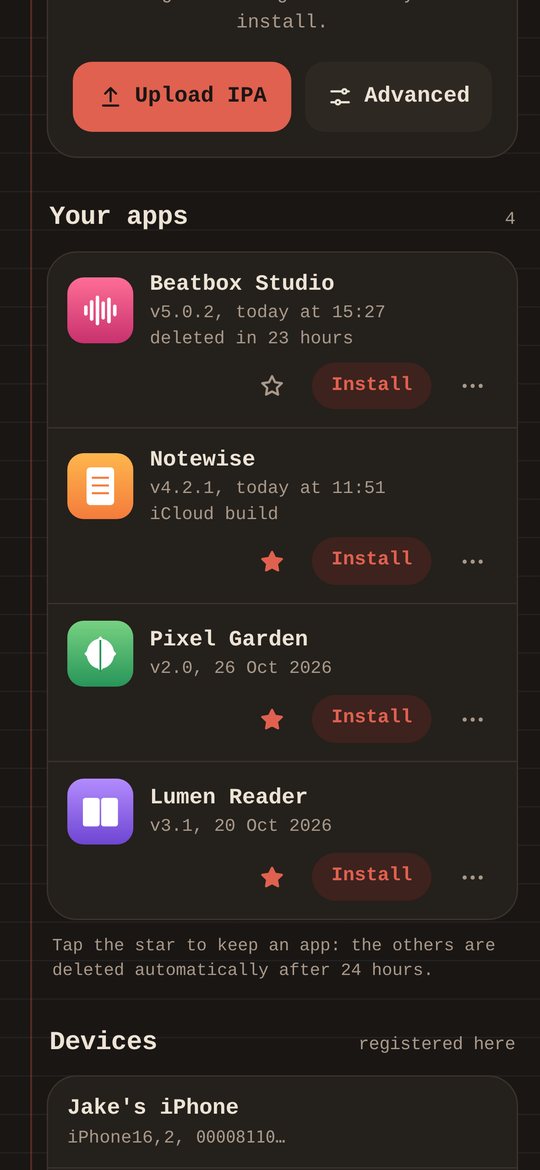
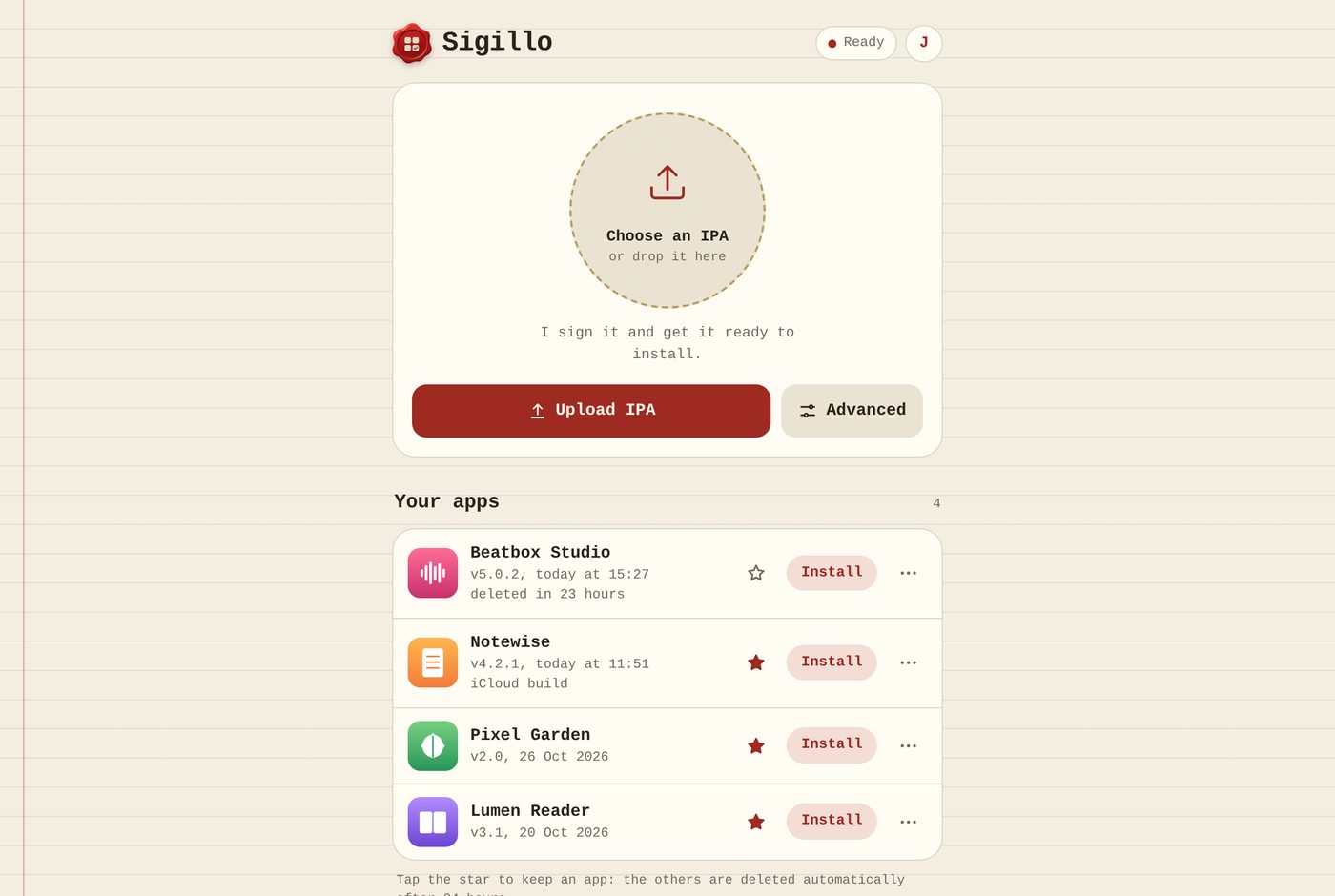
What you need, and what Sigillo doesn't do
You need
- A Mac with macOS 13 Ventura or later that stays on while you sign.
- Your own paid Apple Developer Program membership.
- To sign from outside your home: a domain on Cloudflare (recommended, fast) or a free Tailscale account (slower outside your home network).
- The IPA files of the apps you want to install, which you have the right to use.
Sigillo doesn't
- Provide certificates or a shared developer account. Everything is signed with yours.
- Host, find or distribute apps. There is no app catalog.
- Help with piracy. Use it for your own builds, apps you own and apps you're allowed to modify.
- Work without a Mac. It's software for your Mac, not a cloud service.
Pay what you want
- One payment, no subscription.
- One license works on two Macs.
- The license key arrives by email right after checkout.
- Includes the Mac app, the iPhone app and the web page.
Payments are handled by Lemon Squeezy, our merchant of record.
Questions
Is this the same as a signing service like the ones online?
It does the same job, but on your Mac and with your account. Your certificate never leaves your computer and your apps are stored on your disk.
How long do signed apps keep working?
As long as the provisioning profile is valid, usually up to a year and never past your certificate's expiry. Sigillo shows how many days are left and can re-sign with renewed profiles.
Can friends use my Sigillo?
Yes. You create their accounts and choose which options they can use. Their devices take up slots in your Apple developer account, which allows 100 devices of each type per year.
Why is Tailscale slower than Cloudflare?
With Tailscale, people outside your network reach your Mac through Tailscale Funnel, which limits bandwidth, so uploads and downloads take longer. Cloudflare Tunnel has no such limit and uses your own domain.
What happens if I change Mac?
A license works on two Macs. Deactivate the old one from Sigillo's settings to free its slot, or write to support if the old Mac is gone.
Is Sigillo affiliated with Apple?
No. Sigillo is independent software. iPhone, iPad, Mac and App Store are trademarks of Apple Inc.